Outbound Campaigns & Dialer
9. The agent experience
How work arrives depends on the mode.
Preview — the contact arrives as a card the agent reviews before dialing:
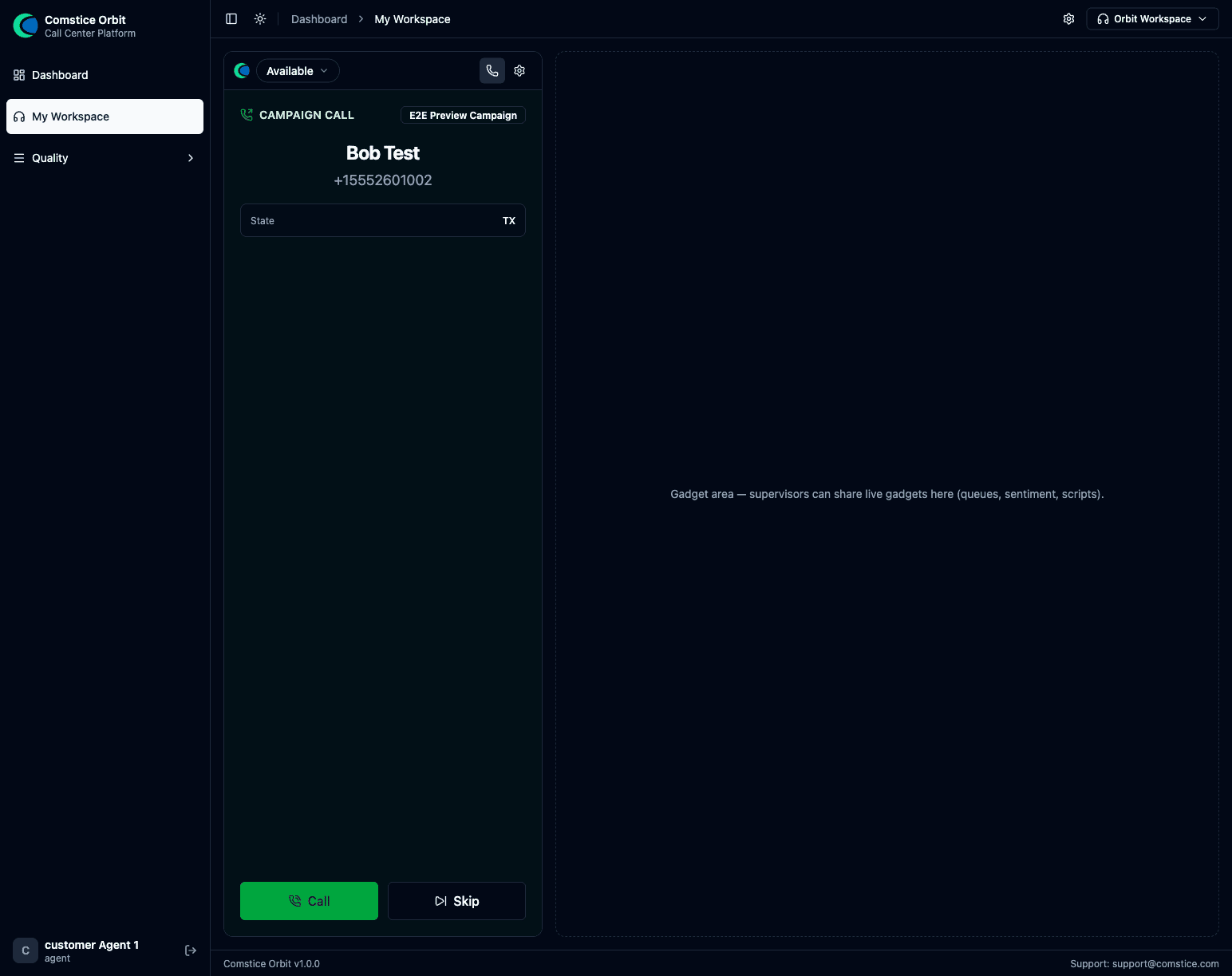
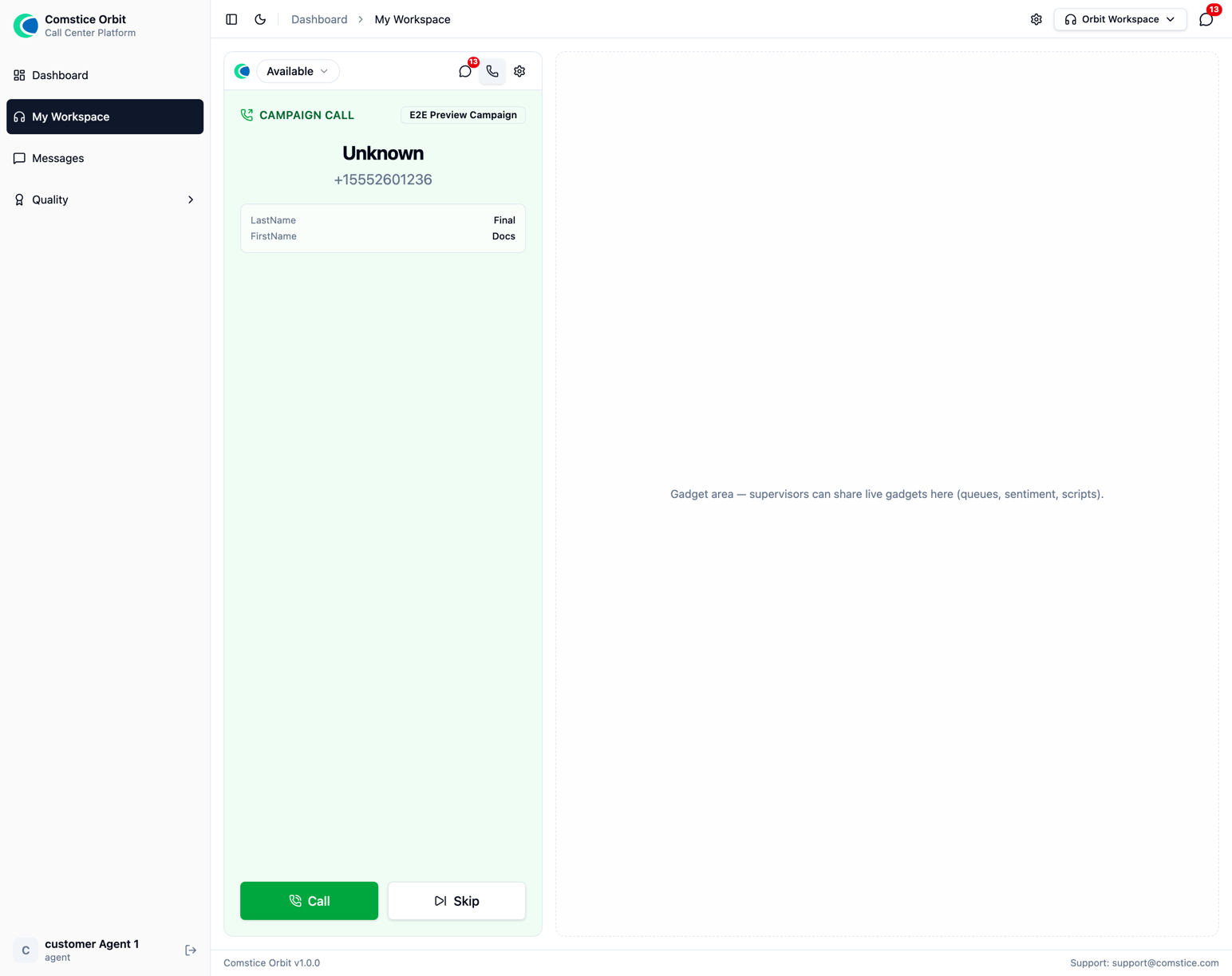
The preview card: who's next, their details and dial history, with Call and Skip. The agent stays Available for inbound while the card waits — an inbound call simply withdraws the card and the contact returns to the queue.
Progressive / power / predictive — there's no card: Orbit dials the customer and connects the agent the instant the customer answers, so the agent goes straight into a live call.
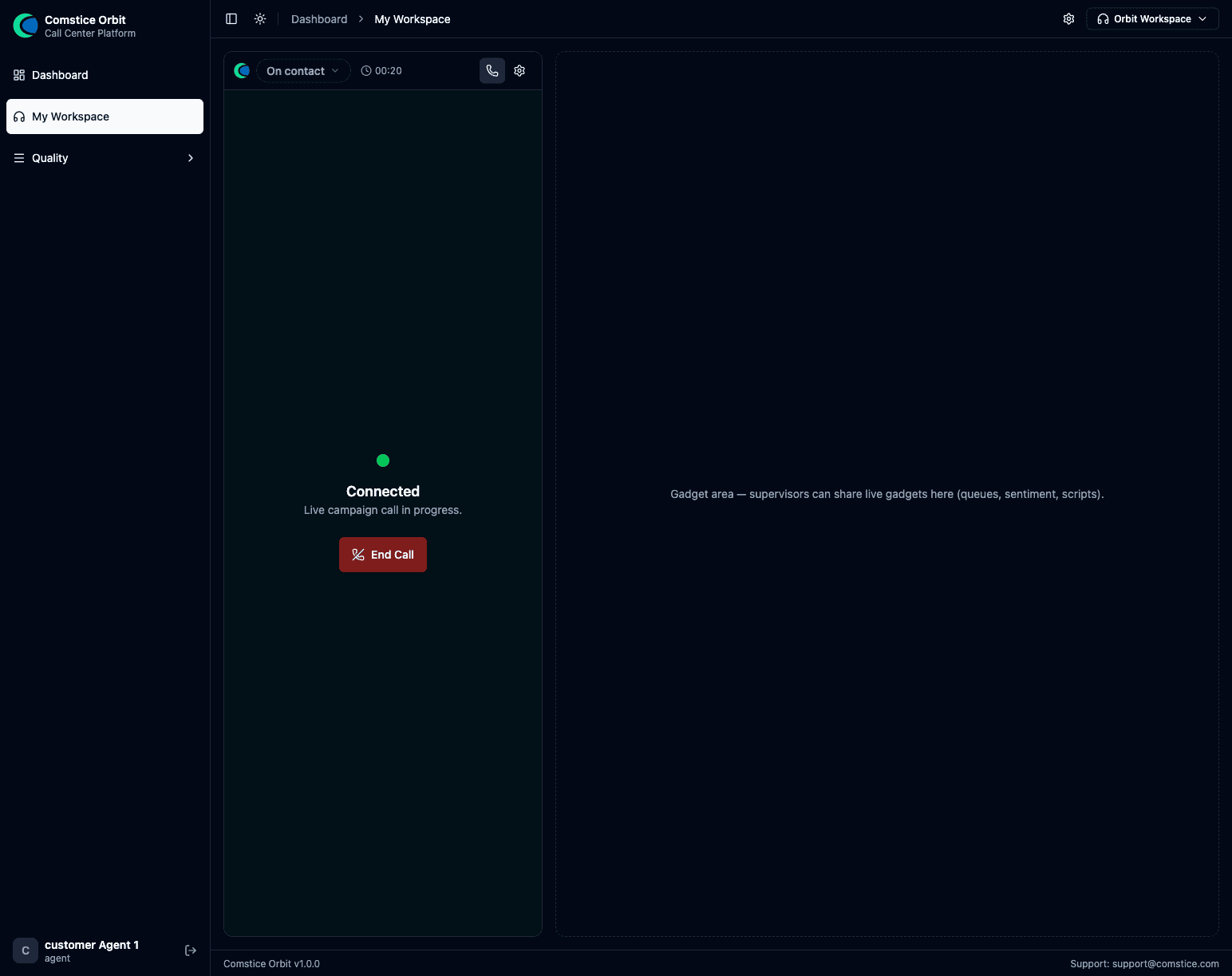
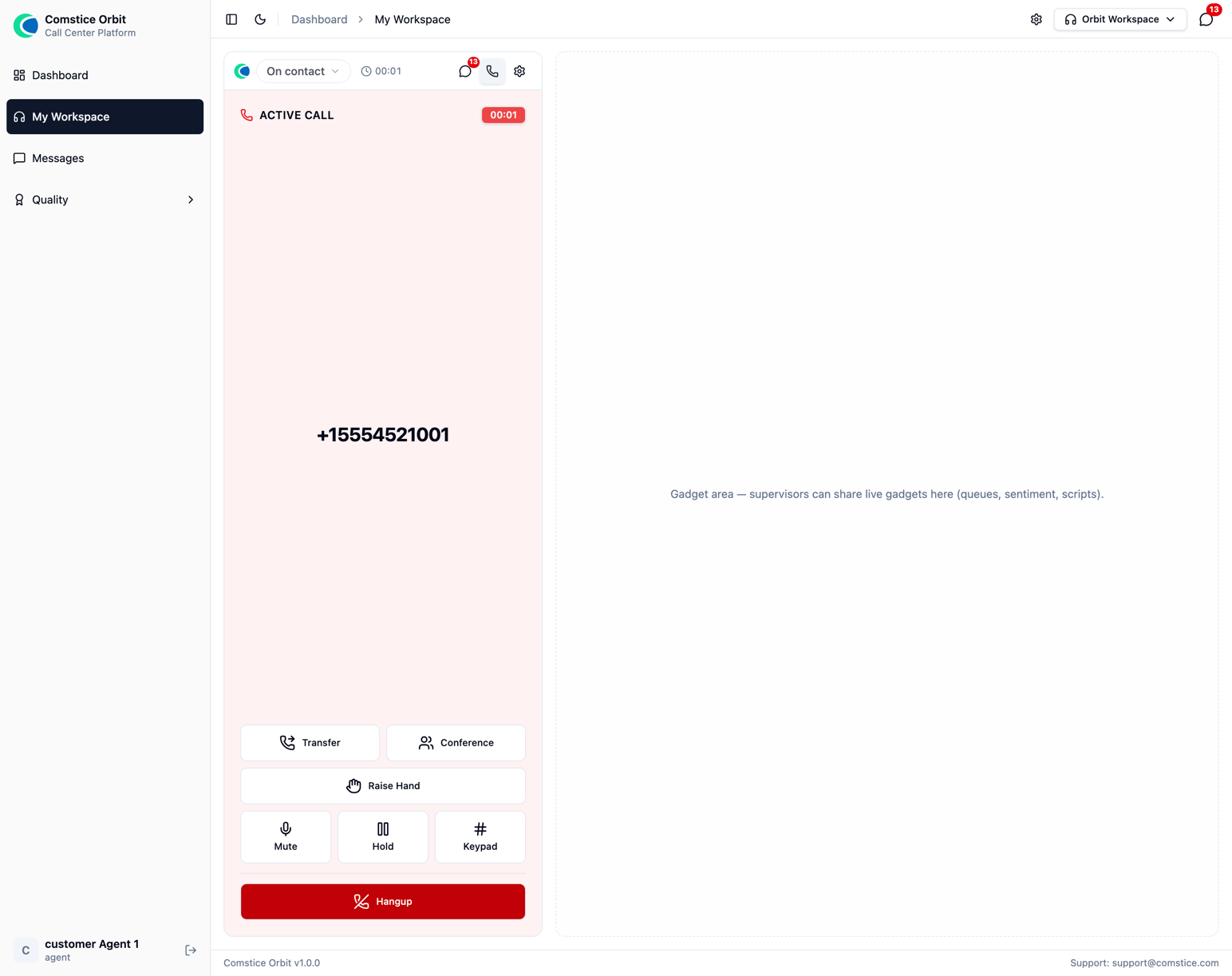
Connected — a live campaign call, handled like any other call.
After the call, the agent picks a disposition code, which drives the callback / retry / DNC behavior automatically, then completes any wrap-up form.
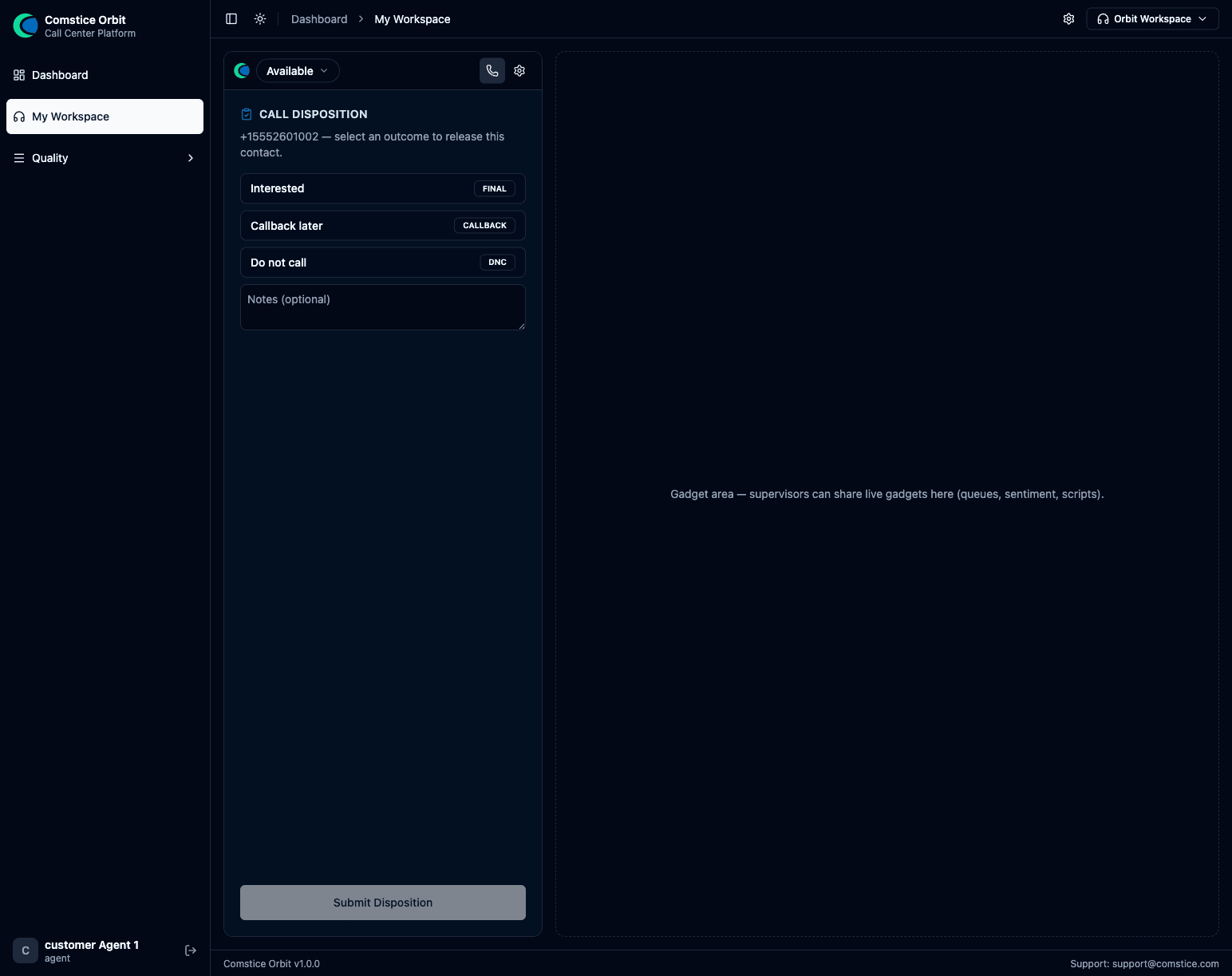
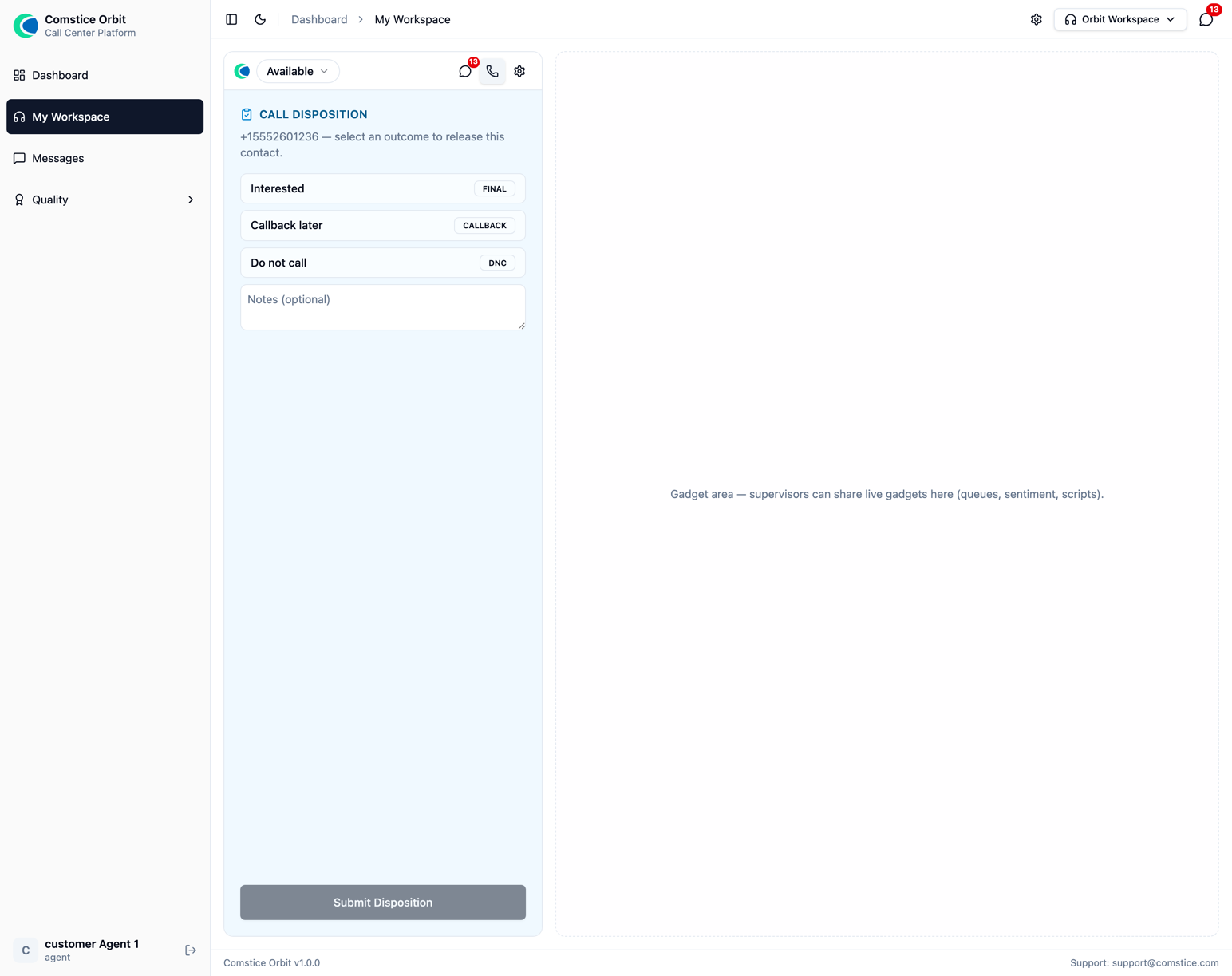
After hangup: pick the disposition — this drives the follow-up behavior.
Manual dialing from the dialpad
Agents can dial any external number from the softphone Dialpad — no
campaign needed. Manual dials still pass the DNC and quiet-hours checks and are
logged as manual attempts, so ad-hoc calling isn't a compliance blind spot.
Manual dialing is a desktop (CTI) action, not a dialer feature — the same
line the major platforms draw. A manual call is never attributed to a campaign
(reports show it with no campaign and mode manual), and none of the
dialer machinery applies to it: no pacing, no answering-machine detection, no
abandon accounting, no contact-list disposition. What manual and campaign calls
do share is the call plane itself — flows, recording, transfer/conference and
supervision behave identically on both. The agent-side experience is described in
Handling Calls §7.