Quality Assurance (QA)
Review your scores (agent)
Agents see evaluations of their own calls under Quality → My Evaluations — never anyone else's, covering the last 90 days. A banner counts the evaluations still awaiting acknowledgement.
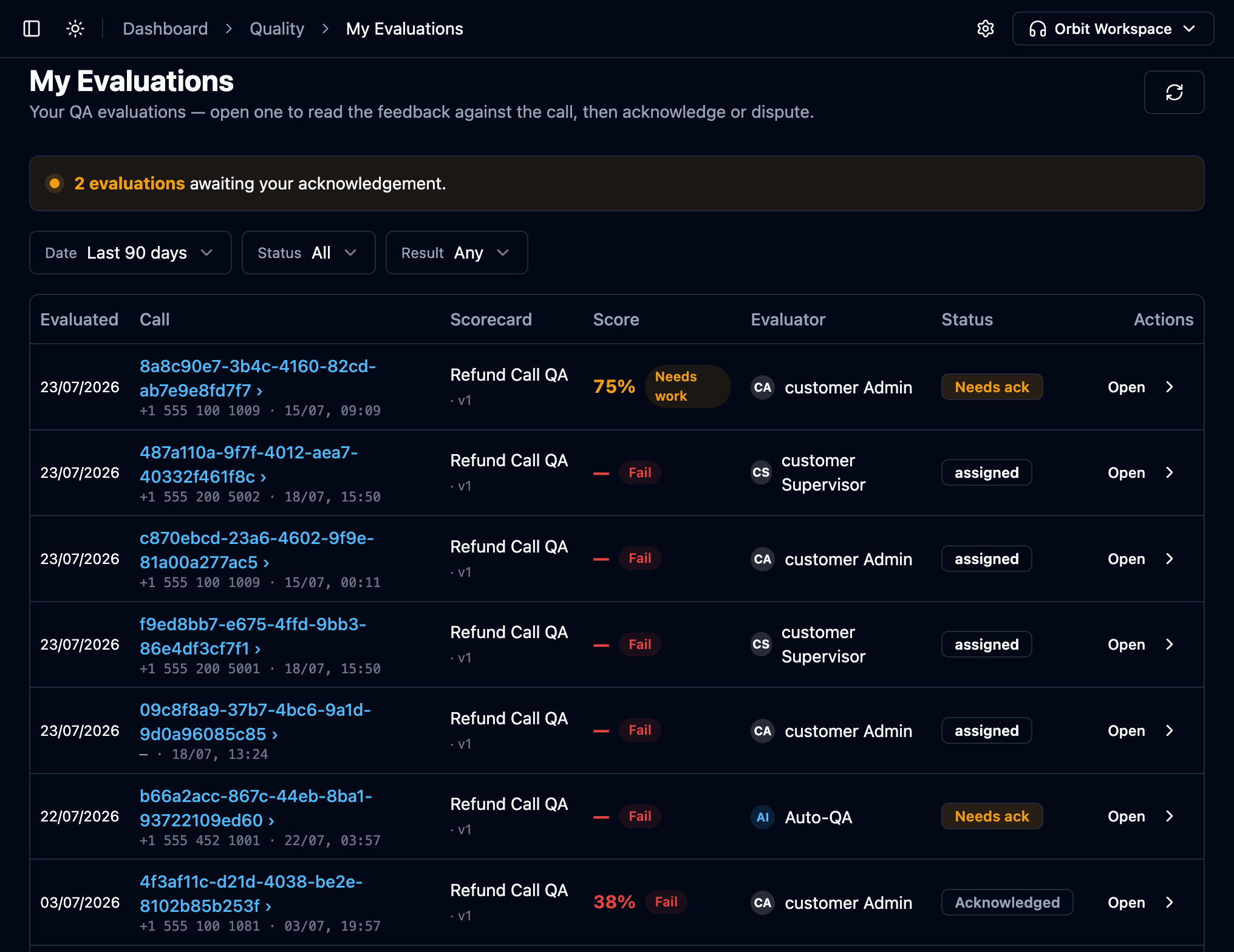
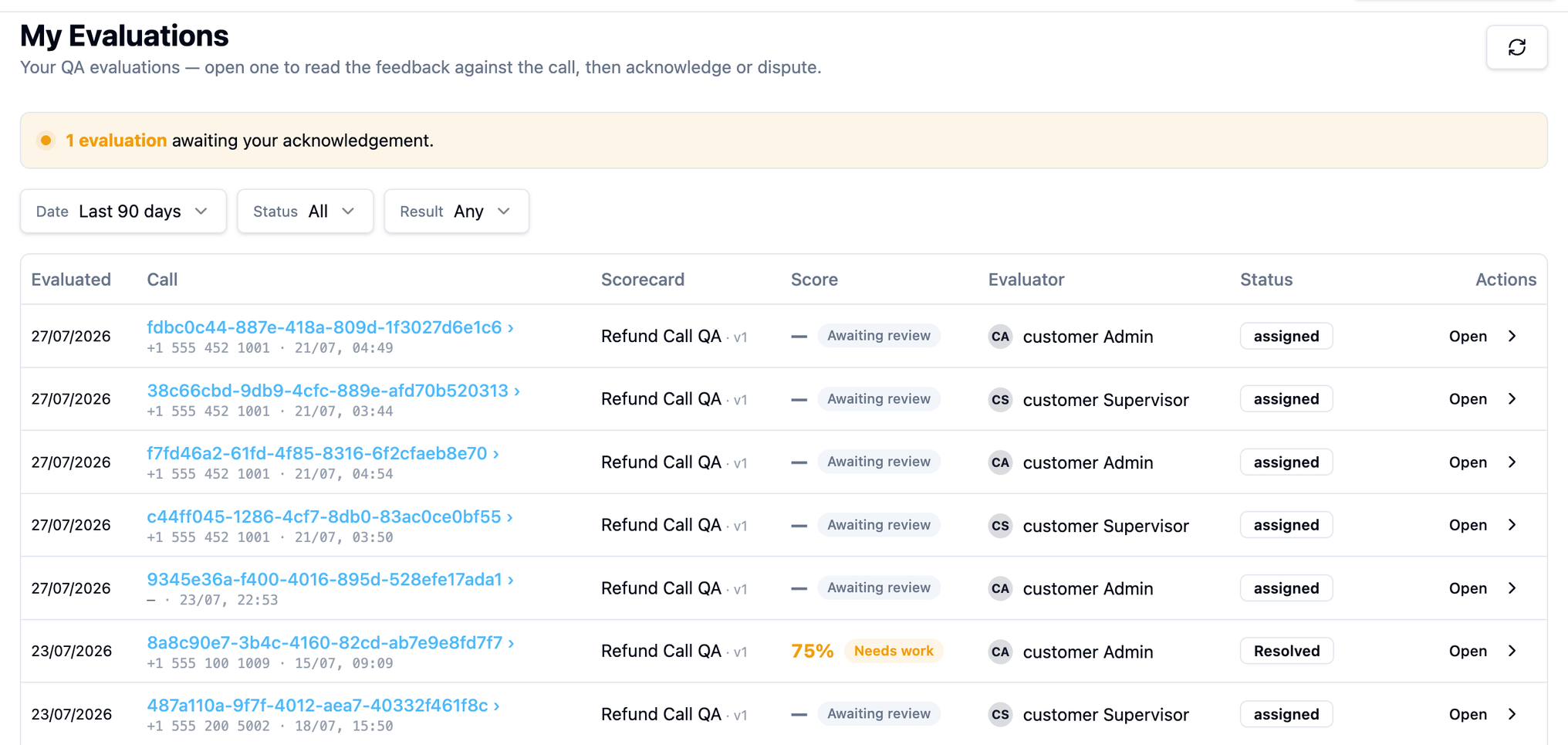
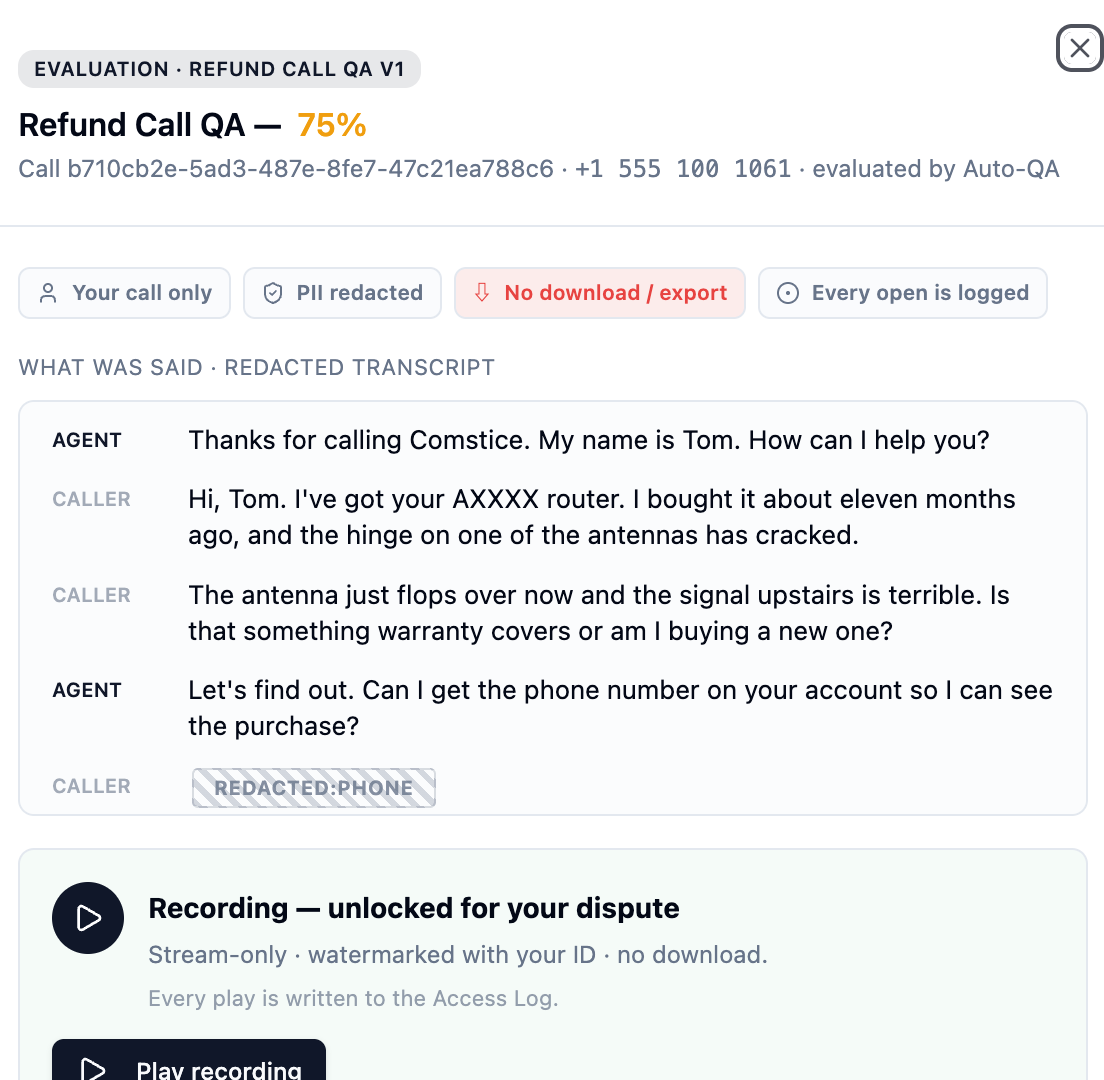
Open a row to read the feedback in context: the score per section, the evaluator's comments — and the call itself, under strict privacy rules that are printed right on the page:


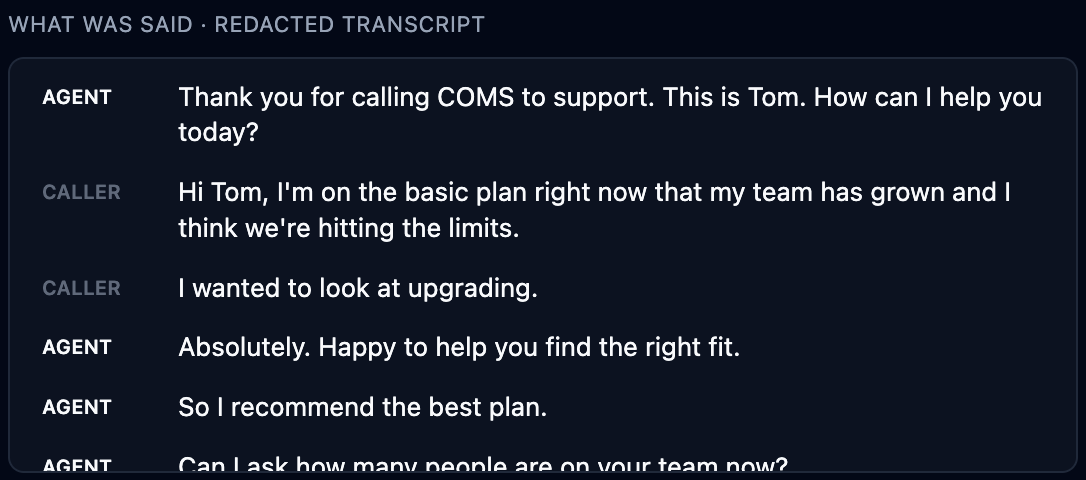
The transcript is shown redacted — personal and payment data (card numbers, addresses, verification details) appear as masked bars, for the agent's own call just like everywhere else in Orbit:
From here the agent has exactly two moves: Acknowledge or Dispute.
Nothing expires on a clock here. Disputing opens the window and only a supervisor's decision closes it — so a dispute left unresolved stays open, and the agent keeps their recording access while it is.
Acknowledging spends the right permanently. Once an agent accepts a score they cannot dispute it afterwards, and the recording locks again. Agents should read the evaluation before they acknowledge it, not after.
Dispute a score (agent)
-
Open the evaluation and press Dispute.
-
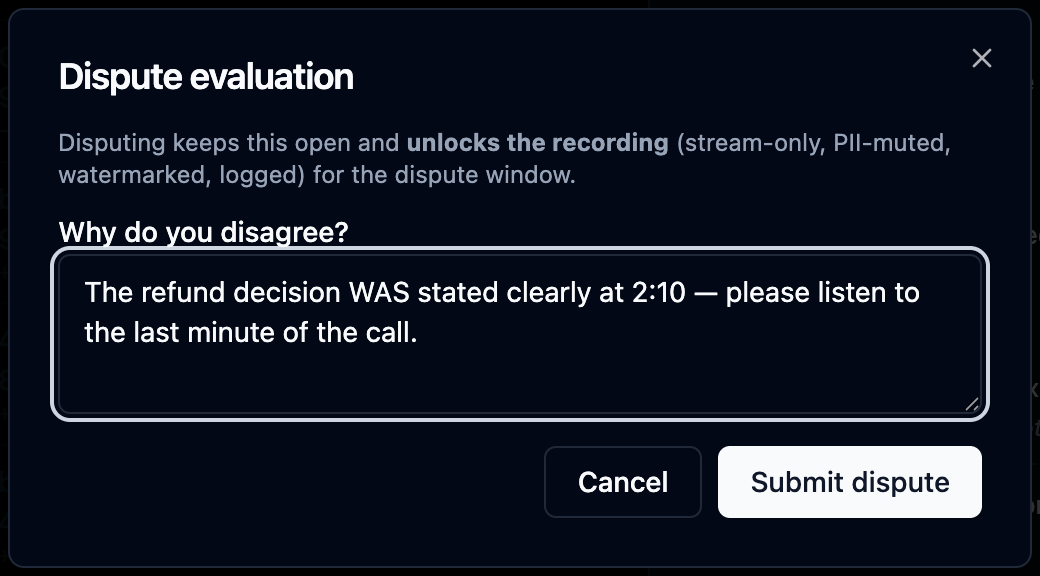
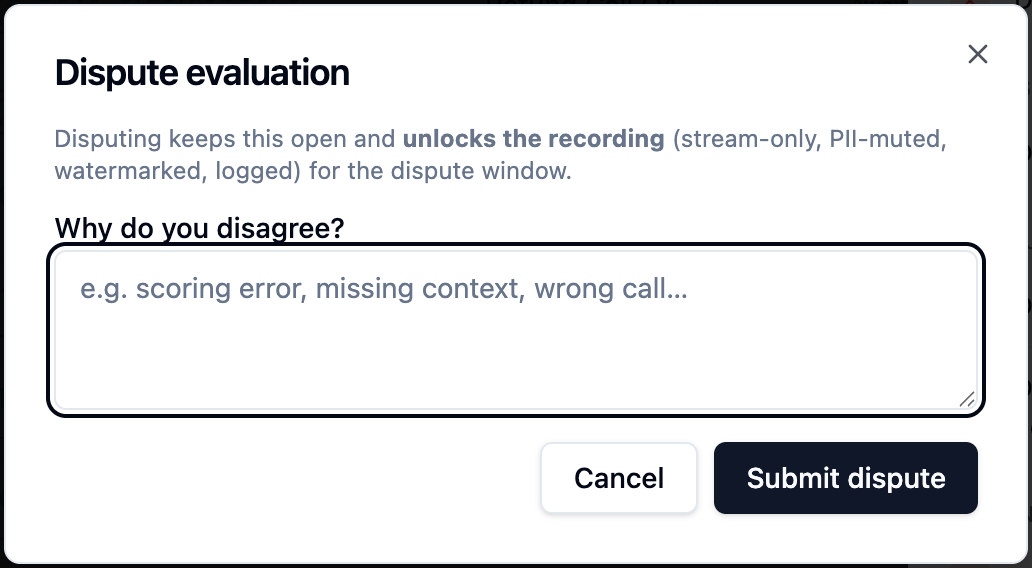
Give a concrete reason — this becomes the first entry of a permanent record:
-
On submit, the evaluation flips to Disputed and the recording unlocks for the dispute — stream-only, watermarked, logged:
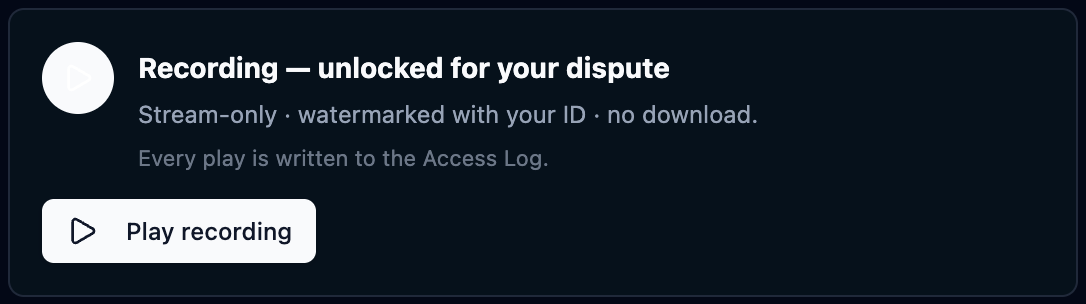

When the supervisor closes the dispute, playback access ends with it.